Naxa Electronics Blog — Insights & News
Latest Updates

NAXA ELECTRONICS
BLOG & INSIGHTS

Industry Insights, Product Guides & Technology Trends

Explore Products


Naxa Electronics Gaming Setup Guides
New Arrivals

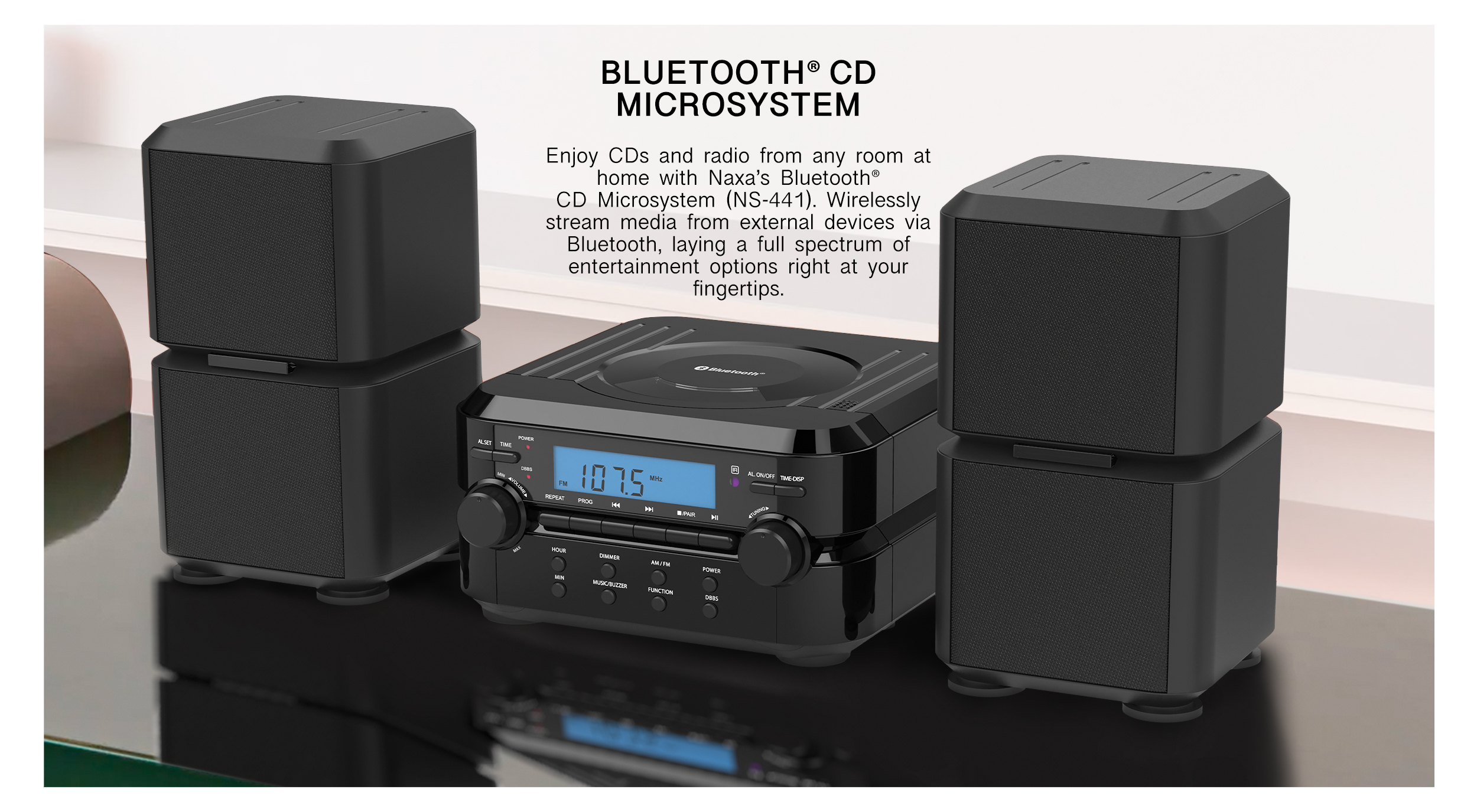
LEVEL UP YOUR
GAME SETUP

Professional-Grade Gaming Peripherals & Accessories

View Accessories
Naxa Electronics Audio Systems Blog
Audio Technology

IMMERSIVE
SOUND SYSTEMS

Crystal-Clear Audio for Living Rooms & Beyond

Discover Audio
Naxa Party Speakers Guide
Bestseller

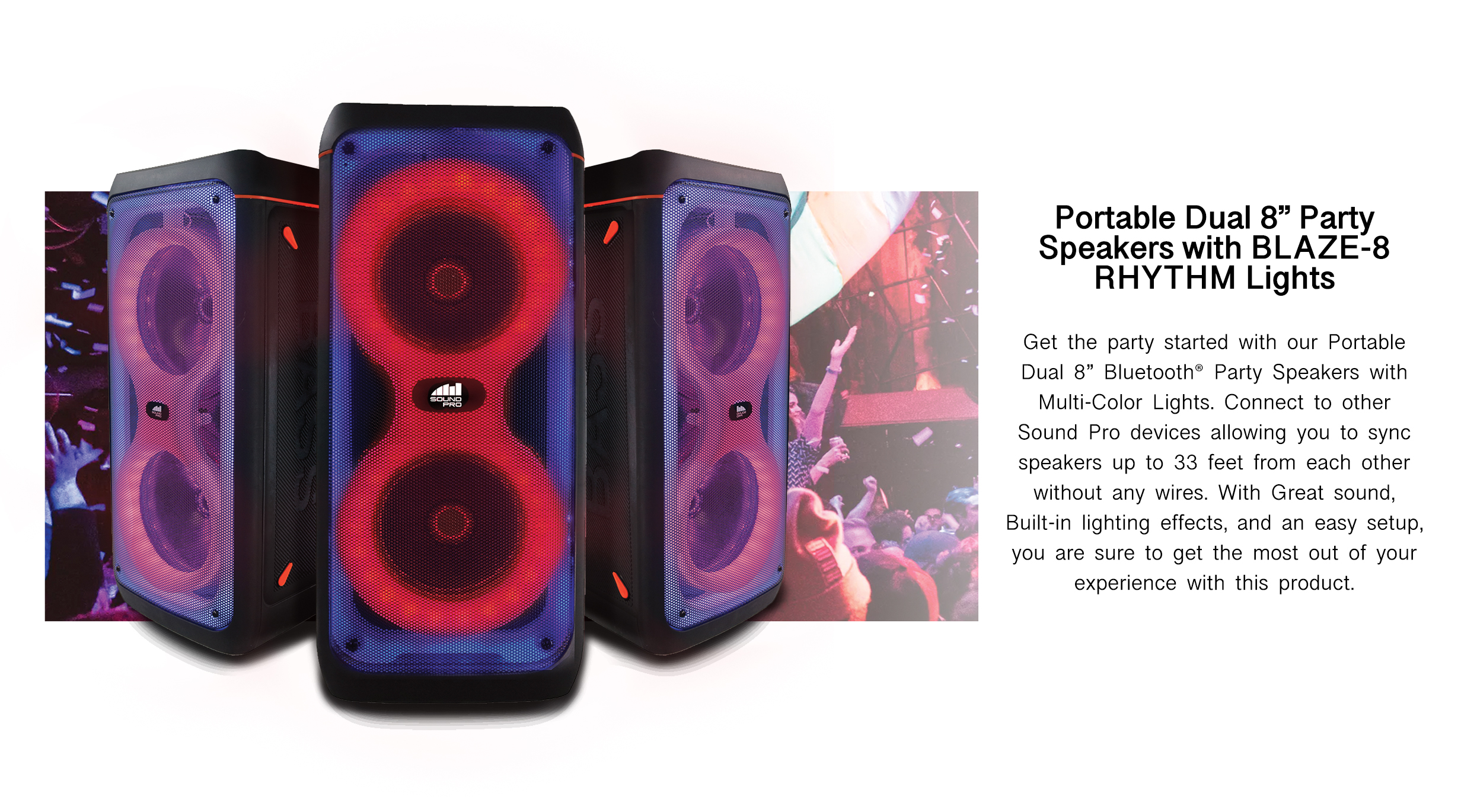
PARTY-READY
BLUETOOTH

Dual Wireless Speakers with Multi-Color Rhythm Lights

Shop Audio
Naxa Home Theater Technology Articles
Home Cinema

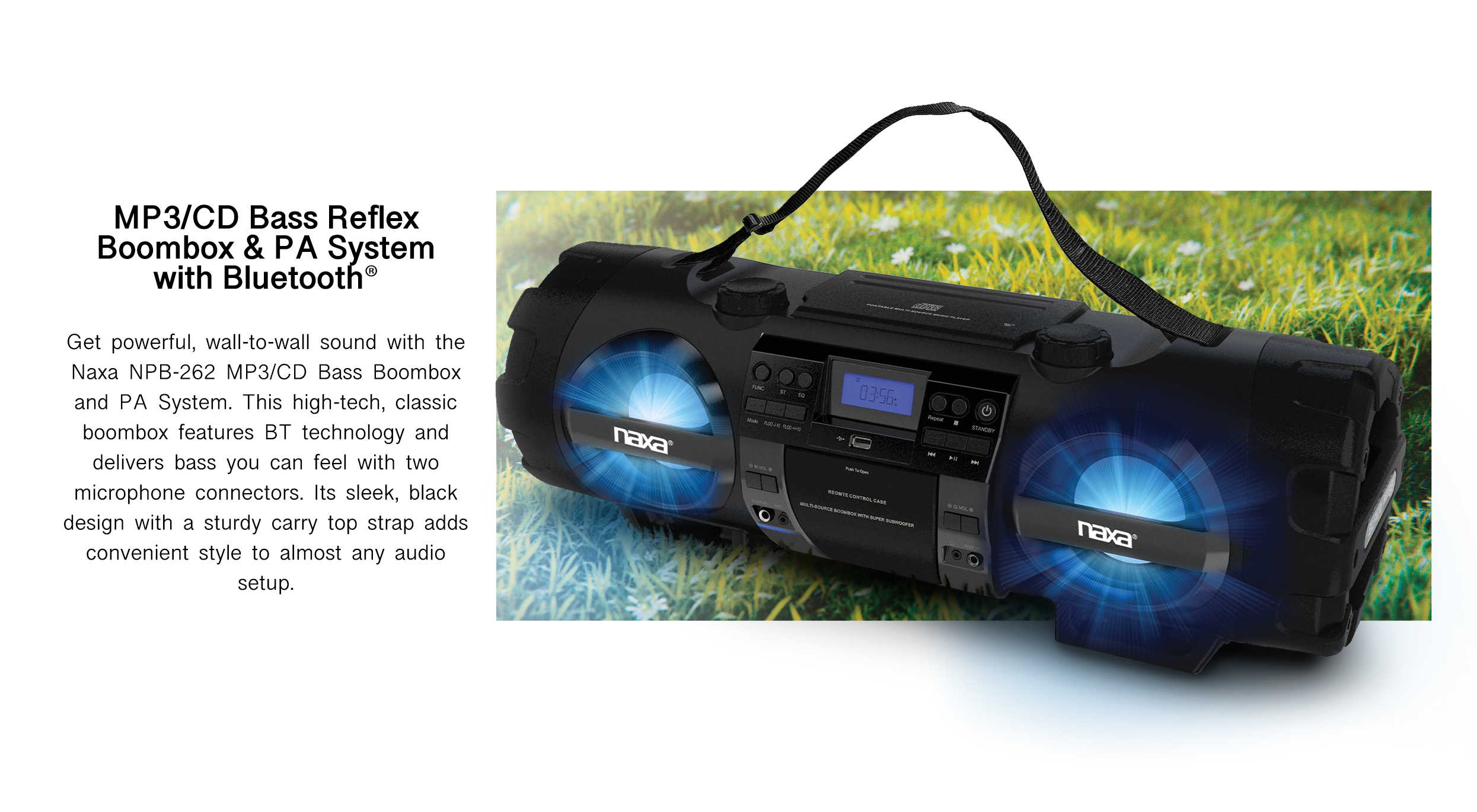
BOLD BASS
ANYWHERE

PA-Grade Boombox with Bluetooth® & CD Player

View Home Theater
Naxa Smart Home Solutions
Smart Living

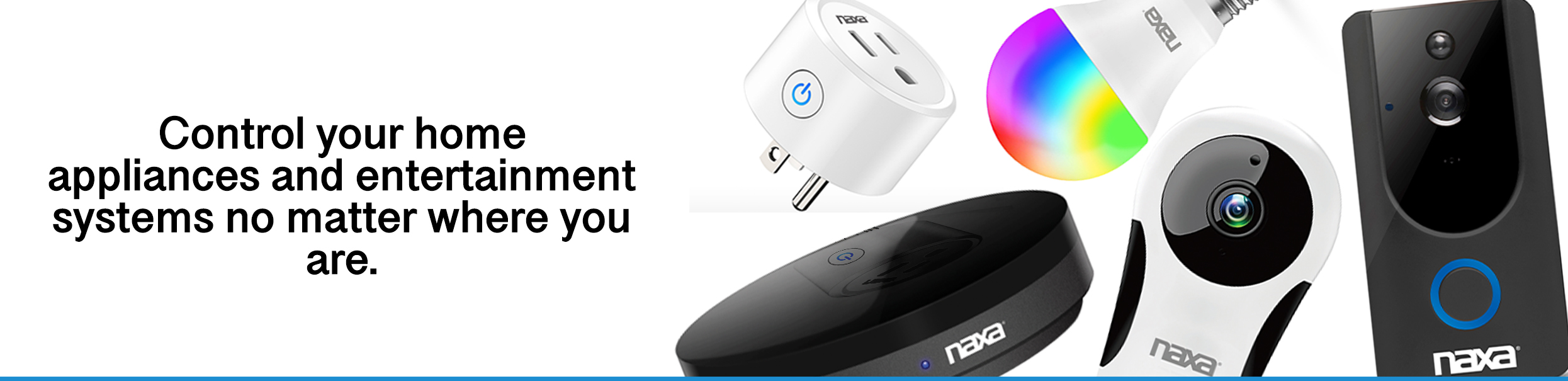
CONNECT YOUR
SMART HOME

Intelligent Devices for the Modern Connected Lifestyle

Smart Home
0%

In 2026, choosing Wi-Fi Alexa Sound Bars requires more than comparing wattage and glossy product photos. The best model should fit your room, streaming habits, television, and daily routines. A compact bar may sound balanced in a bedroom, yet feel thin beneath a large living-room screen. Measure the cabinet space first. Then check HDMI eARC, optical input, Bluetooth, and dual-band Wi-Fi support. These details often matter more than dramatic bass claims.

A reliable evaluation should combine manufacturer specifications, independent testing, and practical ownership experience. Listen for clear dialogue at low volume, especially during crowded film scenes. Test Alexa from several positions, including a noisy kitchen. Does it hear “pause” correctly? Check setup time, app stability, firmware updates, and whether music continues after the television sleeps. Privacy controls deserve equal attention. Review microphone switches and account settings before installation. I would also compare music services, multi-room features, and warranty coverage. Some impressive bars have frustrating software. That is easy to overlook.

There is no perfect choice. A warm sound can soften voices, while a brighter profile reveals detail but becomes tiring. Room shape, wall materials, and personal hearing all change the result. This guide explains how to compare these trade-offs carefully, without treating a high price as proof of quality. It also highlights common mistakes, including ignoring Wi-Fi reliability and assuming every Alexa feature works identically across brands. Specifications help, but real use decides.
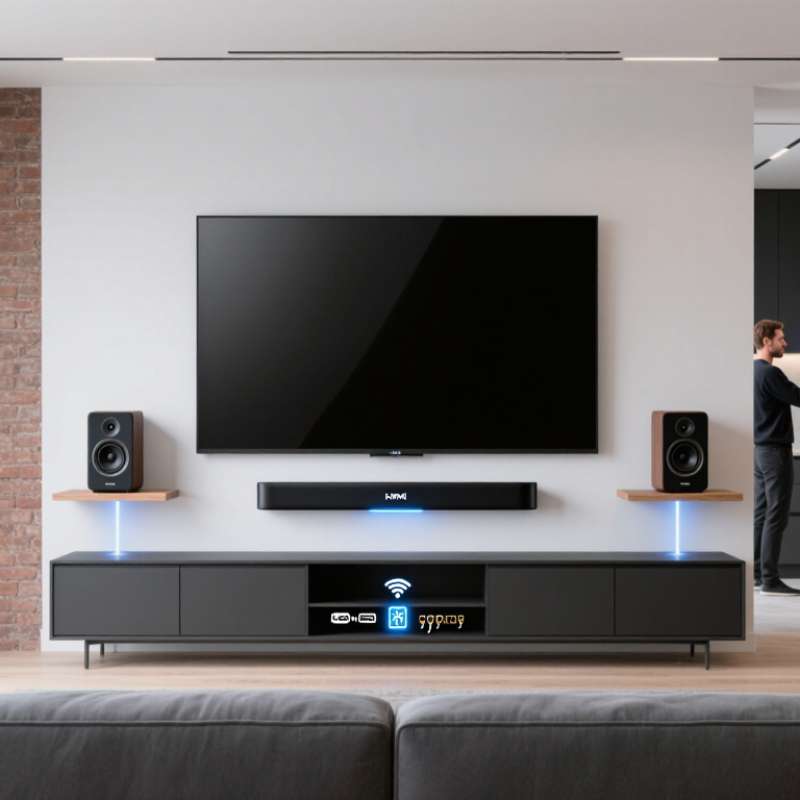
How to Choose Wi Fi Alexa Sound Bars in 2026?

What a Wi-Fi Alexa Soundbar Is and How It Works

A Wi-Fi voice-assistant soundbar combines speakers, microphones, wireless networking, and cloud software in one device. Unlike Bluetooth-only models, it connects directly to your home router. This allows music streaming, software updates, multi-room playback, and voice control without keeping your phone nearby. The microphone captures a wake phrase, sends the request through an encrypted connection, and returns an audio response within seconds.

The network matters more than many buyers expect. Wi-Fi Alliance reports that more than 4.5 billion Wi-Fi devices ship globally each year, showing how deeply wireless equipment has entered daily life. Grand View Research projects the smart-speaker market to grow at an 18.3% compound annual rate through 2030. That growth supports wider compatibility, but it does not guarantee better sound. Room acoustics still matter. So does placement.

In practical testing, a soundbar performs best below the television, with its microphones unobstructed. A dual-band router can reduce dropouts, especially in apartments with crowded networks. HDMI eARC usually provides more reliable television audio than optical output, including advanced surround formats. Bluetooth remains useful when guests want quick playback, but Wi-Fi enables richer control and continuous streaming. Privacy deserves attention, too. Check microphone switches, account permissions, and data-retention settings before installation. A strong connection cannot fix weak dialogue tuning. That part is easy to overlook.

Key Features to Compare Before Choosing a Wi-Fi Alexa Soundbar

How to Choose Wi-Fi Alexa Sound Bars in 2026?

Sound quality should guide your choice, not a crowded feature list. Listen for clear speech at low volume, especially during news or dialogue-heavy films. Bass should feel full without making a table vibrate. A soundbar with room calibration can adjust harsh echoes, but results depend on your room’s shape and furniture. I once trusted an impressive specification sheet and ignored poor dialogue clarity. That was a mistake.

Check Wi-Fi stability before choosing a model. Dual-band support can reduce interruptions in busy homes, while Ethernet offers a useful backup. Confirm compatibility with your existing smart-home system, streaming services, and voice commands. Microphone sensitivity matters too. The soundbar should hear you from the sofa, but it should include a physical mute switch for privacy. Small detail. Important detail.

Compare HDMI eARC, optical input, Bluetooth, and available audio formats. HDMI eARC usually gives better control over compatible televisions and surround formats. Review the companion app carefully; confusing menus can make daily use frustrating. Automatic updates are valuable, but the manufacturer should explain its support period clearly. Also inspect warranty terms, power use, and repair options. A simple hands-on test helps: play dialogue, music, and a quiet scene from three seating positions. Your room may expose weaknesses that online reviews miss.

How to Match Soundbar Performance to Your Room and TV

How to Choose Wi-Fi Voice-Controlled Sound Bars in 2026?

Room size should guide soundbar performance more than advertising claims. In a small bedroom, a compact bar with clear dialogue may outperform a wider model. Large rooms need greater headroom, stronger bass control, and wider sound dispersion. Grand View Research valued the global soundbar market at about $6 billion in 2023, with continued growth expected through 2030. That growth creates more choice, but specifications can still mislead.

Measure the TV wall first. A bar should fit beneath the screen without blocking the display or remote sensor. For televisions above 55 inches, a wider bar usually creates a more convincing left-right image. Check HDMI eARC for high-quality audio transfer. Wi-Fi is useful for software updates, multi-room playback, and stable voice control. It cannot fix poor room acoustics. Hard floors may exaggerate treble, while curtains and sofas absorb it. Room correction helps, but it is not magic. Sometimes, manual adjustment sounds better.

For movie-heavy rooms, choose a model with a dedicated center channel and optional surround speakers. For apartments, prioritize dialogue clarity and controlled bass. The ITU-R BS.1770 standard measures loudness in LUFS, yet louder playback is not automatically clearer. Listen at normal evening volume. Stand in your usual seat. I would also test voices during busy scenes, because showroom silence hides weaknesses. Small rooms are often overpowered. Bigger is not always better.

Which Connectivity and Smart Home Options Matter Most

Choosing a Wi-Fi sound bar in 2026 involves more than checking audio power. Connectivity determines how smoothly it fits daily life. A dual-band Wi-Fi connection can reduce congestion when several devices share one network. Support for the newer 6 GHz band may help, but only with a compatible router. Ethernet remains useful for stable playback near a television or media cabinet. Bluetooth is convenient for guests, although it may offer fewer controls than Wi-Fi streaming. Look for HDMI eARC, optical input, and at least one dependable wireless option. Compatibility matters more than a long feature list.

Smart home integration should feel practical rather than decorative. A built-in voice assistant can adjust volume, start music, or control compatible lights. Check whether the sound bar supports your household’s preferred voice platform. Standards such as Matter may improve cooperation between devices, but real-world support can vary by software version. Multi-room audio is valuable when speakers are placed in the kitchen, bedroom, and living room. Privacy controls also deserve attention, including microphone switches and clear data settings. I once chose a model with impressive automation, but setup became frustrating after a router change. That experience changed my priorities. Easy recovery matters. Test the connection before mounting the sound bar, and confirm that firmware updates remain available.

How to Choose Wi-Fi Alexa Sound Bars in 2026? - Which Connectivity and Smart Home Options Matter Most

Use this comparison framework to evaluate network performance, voice control, multi-room playback, smart-home compatibility, and long-term reliability without focusing on any particular manufacturer.

Evaluation Dimension Priority Recommended Specification or Capability Why It Matters What to Check Before Buying
Wi-Fi Standard Essential Wi-Fi 5 or newer; Wi-Fi 6 is preferable for busy home networks. A newer standard can improve network efficiency, reduce congestion, and provide more reliable streaming when many devices are connected. Confirm the supported standard in the technical specifications rather than assuming that every product with wireless audio uses the same Wi-Fi generation.
Wireless Frequency Bands Essential Dual-band operation on 2.4 GHz and 5 GHz. The 2.4 GHz band generally offers better range, while 5 GHz usually provides higher throughput and less interference from some household devices. Check whether both bands are supported and whether the sound bar can connect to a separate or combined network name.
Network Security Essential Support for WPA2-Personal and preferably WPA3-Personal. Current security protocols help protect the sound bar and other connected devices from unauthorized network access. Verify compatibility with the encryption mode used by the home router. Avoid products limited to outdated security settings.
Voice-Assistant Control Essential Built-in or certified support for the preferred voice-assistant ecosystem. Voice control can handle playback, volume, input selection, and smart-home routines without requiring a remote control. Determine whether the sound bar has microphones built in, requires a separate smart speaker, or supports only limited voice commands.
Microphone Privacy Important A physical microphone mute button or clearly visible mute indicator. Hardware-level controls make it easier to prevent unintended voice capture when voice control is not needed. Look for a dedicated mute switch, clear status light, and documented settings for voice recordings and account privacy.
Smart-Home Interoperability Important Support for a widely adopted cross-platform smart-home standard, where available. Cross-platform standards can simplify setup and improve compatibility among devices from different manufacturers. Check the exact device role. A product may work as a controller, endpoint, or media device rather than supporting every smart-home function.
App-Based Setup Essential Guided mobile setup with firmware updates, network diagnostics, and account management. A well-designed setup process reduces connection problems and keeps software security and compatibility current. Confirm that the app is available for the phone operating system you use and review whether an account is mandatory for basic playback.
Firmware Update Policy Important Automatic or manually available updates delivered over the network. Firmware updates can address security flaws, improve compatibility, and fix audio or connectivity issues after purchase. Look for a documented update process and information about how long security and compatibility updates are expected to continue.
HDMI eARC Essential HDMI eARC for high-bandwidth television audio and uncompressed formats. eARC can carry advanced television audio formats and allows compatible television remotes to control sound-bar volume. Check that both the television and sound bar have eARC-capable HDMI ports. Standard ARC may have lower bandwidth and format limitations.
Optical Audio Input Useful Optical input for older televisions and simple wired connections. Optical audio provides a dependable fallback when a television lacks HDMI ARC or eARC. Confirm which audio formats are supported through optical input, since bandwidth is generally lower than HDMI eARC.
Wireless Multi-Room Audio Important Playback grouping with compatible speakers on the same home network. Multi-room support allows synchronized audio in different rooms and may enable whole-home announcements or routines. Check whether grouping works with televisions, music services, and speakers across the same ecosystem, or only with selected device types.
Streaming Protocol Support Important At least one major network audio protocol, plus Bluetooth for local playback. Network protocols usually offer better integration and multi-room control, while Bluetooth is useful for quick guest or offline playback. Review support for the streaming methods used by your phones, tablets, computers, and preferred audio applications.
Bluetooth Version and Profiles Useful Bluetooth 5.x with a suitable audio profile; receiver mode should be clearly stated. Bluetooth provides a direct connection when Wi-Fi is unavailable, although it may offer fewer smart-home and multi-room features. Check whether Bluetooth is for receiving audio only and whether the product supports automatic reconnection with frequently used devices.
Internet Dependency Important Basic television and local playback should remain available during an internet outage. Some voice, streaming, and cloud-based features require internet access, but core wired audio should not necessarily stop working. Confirm which functions work without internet access, including HDMI, optical input, Bluetooth, volume control, and remote operation.
Guest Network Compatibility Useful Clear support for standard home networks without requiring direct device-to-device access. Some guest networks isolate devices, which can prevent discovery, casting, and multi-room grouping. Check router requirements and whether the sound bar, phone, and television must be connected to the same local network segment.
Network Stability Essential Stable playback at the intended listening distance with minimal dropouts. Consistent connectivity is more important than peak wireless speed for most sound-bar streaming tasks. Consider router placement, wall materials, wireless congestion, and whether the product supports wired Ethernet as a fallback.
Audio Format Support Important Support for the formats used by your television, streaming services, and gaming devices. Format compatibility affects whether surround effects, dialogue channels, and spatial audio are reproduced correctly. Compare the sound bar's supported formats with the television's output settings and the capabilities of connected consoles or media players.
Latency and Lip-Sync Control Important Adjustable audio delay and reliable synchronization over HDMI. Wireless processing and television settings can introduce timing differences between speech and visible lip movement. Look for manual lip-sync adjustment and test dialogue-heavy content before finalizing the purchase.
Room Calibration Useful Automatic or guided calibration for speaker distance, equalization, and room response. Calibration can improve dialogue clarity and balance when the room has reflective surfaces or an irregular layout. Check whether calibration uses a microphone, a mobile device, or manual settings, and whether the process can be repeated after rearranging furniture.
Power and Standby Behavior Useful Low standby consumption with reliable wake-up through HDMI or network commands. A sound bar that wakes consistently is more convenient, while efficient standby operation helps reduce unnecessary energy use. Review standby behavior, automatic power-down settings, and whether network standby must remain enabled for voice control.
Long-Term Support Essential Clear software-support information and replaceable or widely available accessories. Networked products depend on software services, so support quality can affect useful life more than initial specifications. Check warranty terms, update history, replacement remote availability, and whether essential functions remain usable if cloud services change.
Decision rule: For most homes, prioritize dual-band Wi-Fi, current network security, dependable HDMI eARC, clear voice-control privacy settings, firmware support, and compatibility with the smart-home ecosystem already in use. Extra streaming features are valuable only when they match the devices and services in your household.

Technical values and recommendations are based on commonly used Wi-Fi, Bluetooth, HDMI, network-security, and smart-home standards. Actual capabilities vary by model and software version, so verify the product specification sheet before purchase.

How to Check Setup, Compatibility, Price, and Long-Term Value

A Wi-Fi voice-assistant soundbar should fit your room, television, and daily habits. Check whether your router supports the required Wi-Fi band. A crowded 2.4 GHz network may cause delays or dropouts. A stable 5 GHz connection often performs better nearby. Measure the space under your screen, including ventilation clearance.

Compatibility matters more than flashy specifications. Look for HDMI ARC or eARC when you want television audio and volume control through one cable. Confirm support for your television’s audio formats, game console, and streaming devices. During testing, play dialogue at low volume, then switch to an action scene. Voices should remain clear without harsh treble. I once ignored this test. The sound seemed impressive, but quiet speech became difficult later.

Price should include setup effort and future maintenance. Compare the purchase cost with required cables, optional speakers, and possible subscription fees. A cheaper model may become expensive if its application feels unreliable or stops receiving security updates. Check the manufacturer’s update policy, warranty length, privacy controls, and replacement parts. Read recent owner reports, but treat extreme praise and complaints cautiously. They can reflect unusual rooms or outdated software. Long-term value also depends on repairability and power use. A soundbar that reconnects quickly, remembers settings, and receives useful updates may justify a higher price. Still, no product is perfect. Leave room for that compromise.

FAQS

What is a Wi-Fi voice-assistant soundbar?

It combines speakers, microphones, wireless networking, and cloud software in one device. It connects directly to your home router.

How does voice control work?

The microphone detects a wake phrase and sends your request through an encrypted connection. An audio response usually returns within seconds.

Why does Wi-Fi matter for a soundbar?

Wi-Fi supports streaming, software updates, multi-room playback, and voice control without keeping your phone nearby. Bluetooth still helps with quick guest playback.

Where should I place the soundbar?

Place it below the television, with microphones uncovered. Keep it away from thick curtains or objects blocking the front panel.

Which connection is best for television audio?

HDMI eARC usually offers more reliable control and advanced surround formats. Optical input remains useful with older televisions.

How can I improve connection stability?

A dual-band router may reduce dropouts in crowded apartments. Ethernet can provide a practical backup when wireless signals struggle.

What sound qualities should I test?

Listen to speech at low volume, music, and a quiet scene. Test from three seating positions, including your usual evening chair.

How should room size affect my choice?

Small rooms often suit compact soundbars with clear dialogue. Large rooms need stronger bass control, greater headroom, and wider sound dispersion.

Can room calibration solve acoustic problems?

It can reduce harsh echoes caused by hard floors and bare walls. It is not magic. Manual adjustment may sound better.

What privacy settings should I check?

Look for a physical microphone mute switch, account permissions, and data-retention controls. I once ignored these details. That was not ideal.

Conclusion

Choosing the right Wi-Fi Alexa Sound Bars in 2026 starts with understanding how they combine wireless audio streaming, voice control, and home entertainment functions in one device. Before buying, compare sound quality, speaker channels, bass performance, dialogue clarity, microphone responsiveness, and support for high-quality audio formats. The ideal model should match your room size, listening habits, and television capabilities rather than simply offering the most features.

Connectivity and smart home compatibility are also important. Check wireless stability, HDMI and optical inputs, Bluetooth support, multi-room functions, and whether the soundbar works smoothly with your existing devices. A simple setup process, reliable app controls, and broad TV compatibility can make daily use much easier. Finally, evaluate the total cost, included accessories, software support, warranty coverage, and expected durability. The best choice balances immersive performance, convenient voice control, easy installation, and long-term value without paying for functions you are unlikely to use.

Oliver

Oliver

Oliver is a dedicated marketing professional with a strong understanding of the company’s products, customers, and evolving market needs. With a thoughtful, research-driven approach, he transforms complex product information into clear, practical, and engaging content that helps readers make......