Latest Updates NAXA ELECTRONICS
NAXA ELECTRONICS
BLOG & INSIGHTS
Industry Insights, Product Guides & Technology Trends
Explore Products

Industry Insights, Product Guides & Technology Trends
Explore Products
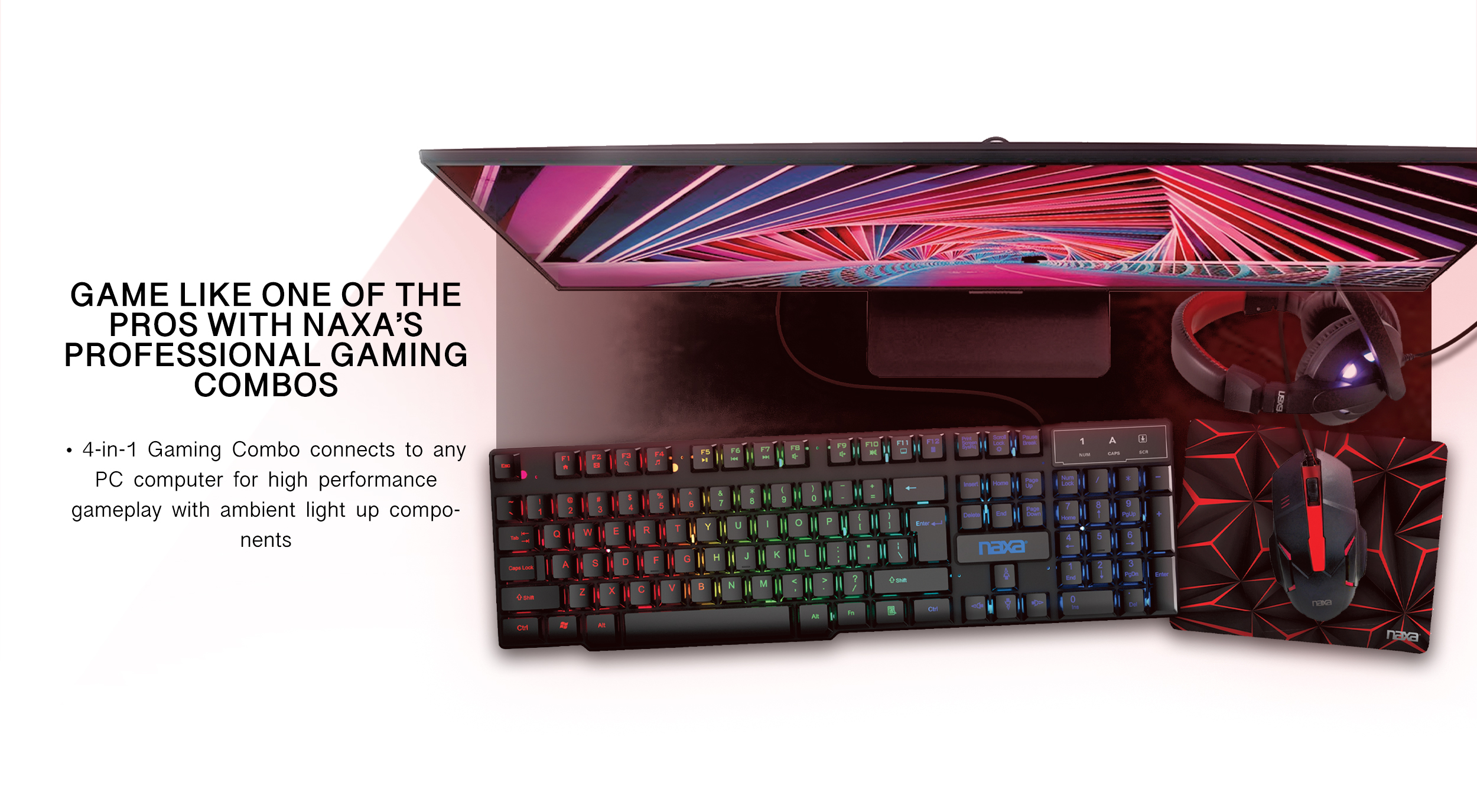
Professional-Grade Gaming Peripherals & Accessories
View Accessories
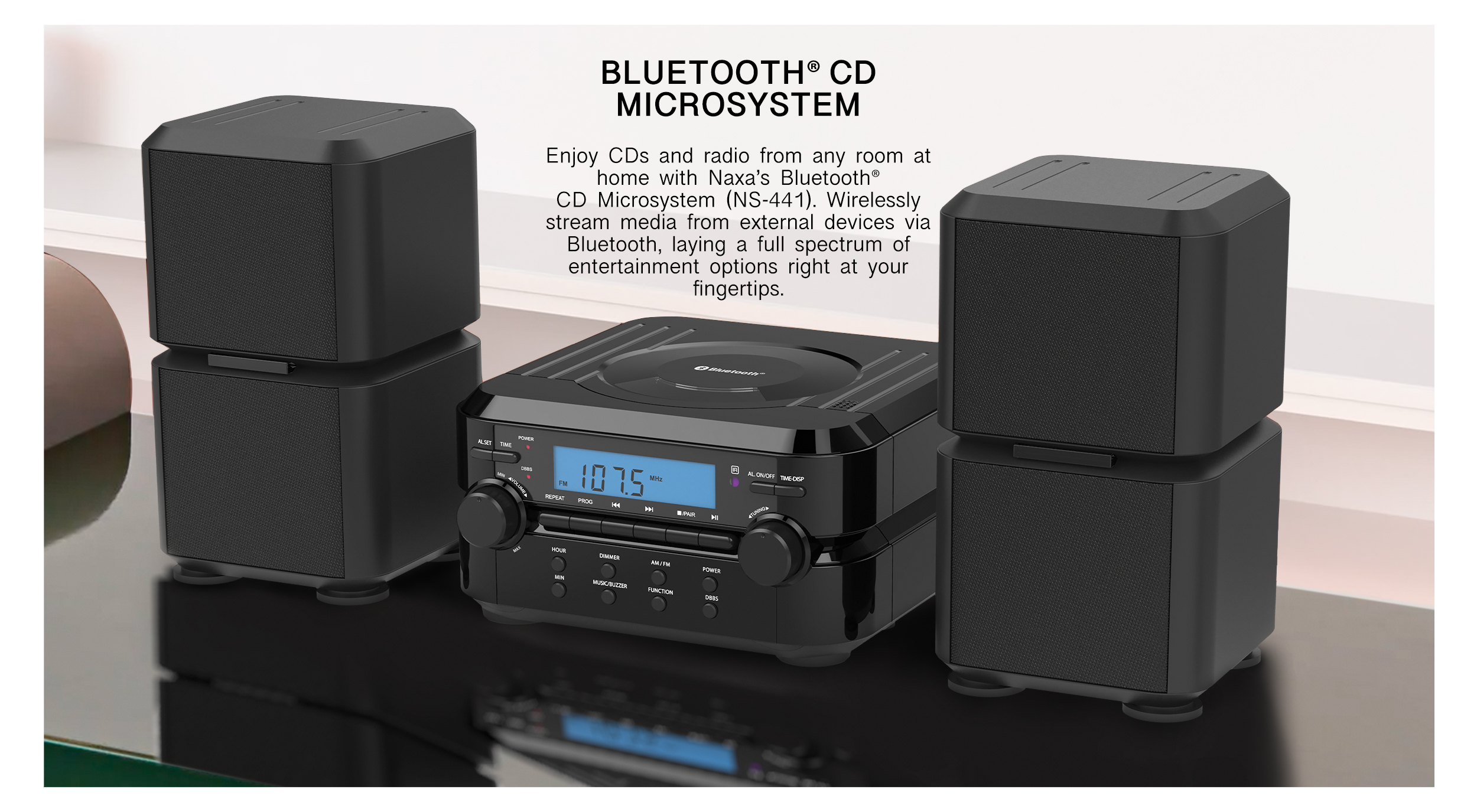
Crystal-Clear Audio for Living Rooms & Beyond
Discover Audio
Intelligent Devices for the Modern Connected Lifestyle
Smart HomeAndroid Smart LED TVs combine a light-emitting diode display with Google’s Android TV or Google TV software. The screen creates the picture. A system-on-chip processes video, sound, apps, and network requests. Wi-Fi connects the television to streaming platforms, while Bluetooth supports headphones, keyboards, and game controllers. Voice search can find a film without typing. Chromecast features can also move content from a phone to the larger screen.
Market research shows why this category matters. Omdia’s Global TV Sets research tracks smart televisions as the dominant share of worldwide shipments. Grand View Research also forecasts continued growth in the global smart TV market, driven by streaming, connected homes, and affordable display technology. However, these reports use different definitions and measurement periods. Comparisons are not perfectly clean. That limitation deserves attention.
Shalini Govil-Pai, a Google executive involved with Android TV, described the platform by saying, “Android TV is the fastest growing TV OS in the world.” Her statement reflects strong platform expansion, but it does not explain every ownership experience. Updates can vary by manufacturer. Menus may feel smooth on one model and sluggish on another. Privacy settings, advertising, storage, and app support also require practical evaluation.
This guide examines how Android Smart LED TVs work inside the living room. It follows the signal from the internet to the processor, then to the LED panel. It also considers operating systems, voice control, casting, updates, energy use, and buying decisions. The technology is convenient. It is not flawless.
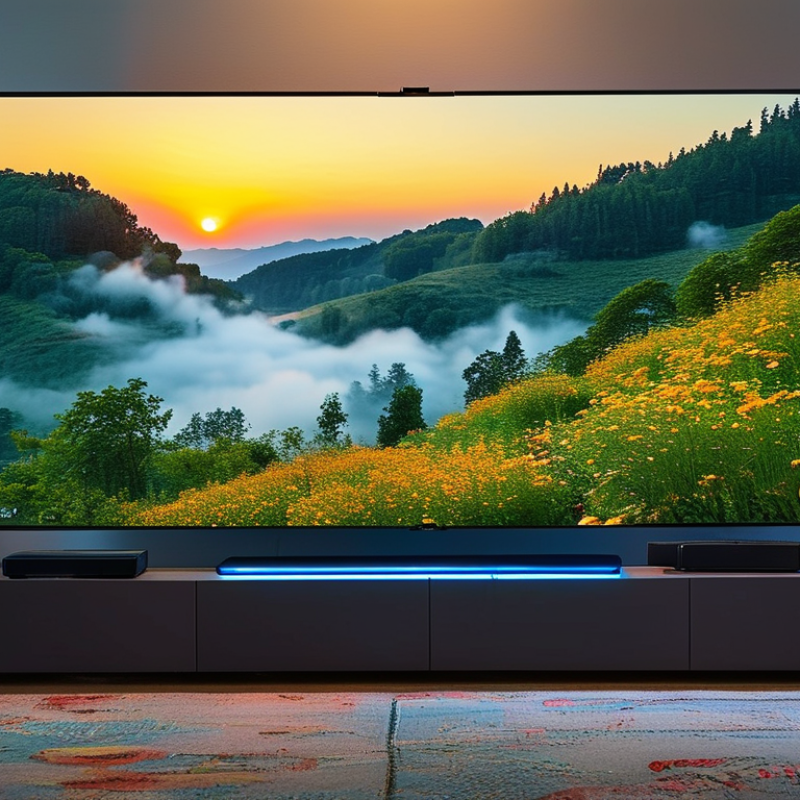
An Android Smart LED TV combines an LED-backlit LCD panel with the Android operating system. The panel creates the picture, while the operating system manages apps, menus, streaming, and connected devices. A built-in processor decodes video, handles graphics, and responds to remote-control commands.
The operating system is the key difference. It connects through Wi-Fi or Ethernet, downloads applications, and supports services such as screen sharing and voice search. It also manages permissions, software updates, and account access. When you press play, the TV receives data through the network, processes the stream, and displays each frame through the panel. The process feels instant, but network speed and processor quality still matter.
Performance varies noticeably. A budget model may show a sharp 4K image but open apps slowly. That is an easy detail to miss. The 2024 ITU Facts and Figures report estimates that 5.5 billion people used the internet in 2024, making reliable home connectivity increasingly important for smart televisions. Yet the label “smart” does not guarantee a smooth experience. I check menu response, update support, and available storage before judging a television. The Global E-waste Monitor 2024 recorded 62 million tonnes of electronic waste in 2022, with only 22.3% formally collected and recycled. Longer software support could therefore matter as much as screen brightness. Even so, manufacturers and buyers should treat durability as a continuing weakness, not a solved problem.
An Android Smart LED TV combines an LCD panel, LED backlight, processor, memory, wireless radios, and software. The term “LED TV” is slightly misleading. LEDs create light behind the screen, while liquid crystals control each pixel’s brightness and color. A color filter then shapes the final image.
Modern sets may use edge lighting, direct lighting, or mini-LED backlighting. Mini-LED systems place thousands of smaller light sources behind the panel. They can create darker zones and brighter highlights, especially in HDR scenes. However, blooming may still appear around white subtitles on a dark background. It is not magic. Viewing angles, panel quality, and local-dimming software remain important.
The system-on-chip processes streaming video, menus, voice commands, and picture adjustments. Wi-Fi connects the television to online services, while HDMI ports carry game and media signals. In practice, I check motion handling and shadow detail before judging sharpness. Bright showroom footage can hide weaknesses. Omdia’s 2024 connected-TV research indicated that smart models represented roughly nine in ten global television shipments, showing how software now shapes the category. The International Energy Agency’s 2024 Energy Efficiency report also identifies televisions as a continuing household electricity load, so standby behavior and screen brightness deserve attention. A faster processor helps, but it cannot repair poor backlight control.
An Android smart LED TV combines an LED display with Android-based television software. The screen creates the picture, while the software manages apps, streaming, settings, and connected devices. A small processor runs these tasks behind the scenes. It also controls menus, playback, and wireless connections.
The home screen acts like a control center. Users can open streaming apps, search for programs, or switch to a game console. Android TV software organizes these actions through a remote, voice input, or mobile device. It can connect through Wi-Fi, Bluetooth, HDMI, and screen-casting functions. For example, a viewer might send a video from a phone, then continue watching on the larger screen. The television remembers some preferences and may recommend similar content.
Updates improve security, compatibility, and performance, but they are not always perfect. A new update can move a familiar setting or make an older app feel slower. Voice search may misunderstand names, especially in noisy rooms. Users should review app permissions and install software from trusted sources. In practical use, a stable internet connection often matters as much as the panel itself. A sharp display cannot fix buffering. Lower-cost models may also limit storage, processing speed, or future software support. These details deserve attention before purchase, because the software experience can change more than the screen specifications suggest.
Android TV software connects streaming apps, voice search, casting, settings, and display controls through one operating system. The chart compares the number of pixels handled by common TV resolutions, showing why higher-resolution displays require more processing for video playback and image rendering.
Android Smart LED TVs combine an LED display with an Android-based operating system. The operating system manages apps, settings, voice controls, and streaming services. A processor decodes video, while the display renders each frame with backlight control. It feels like a television with a small computer inside.
These TVs usually connect through Wi-Fi or Ethernet. Ethernet offers steadier performance, especially for high-resolution video. Wi-Fi is more convenient, but walls and crowded networks can reduce speed. The International Telecommunication Union reported that 67% of the global population used the internet in 2023. That growth supports connected viewing, although access quality remains uneven.
After connection, an app requests video from a content server. The stream is divided into short segments and delivered through a content delivery network. Adaptive bitrate technology then changes video quality when network speed fluctuates. For example, a stable connection may deliver 4K video, while congestion can trigger 1080p or lower quality. Nielsen’s July 2024 Gauge report showed streaming accounted for 41.4% of television usage in the United States. That figure reflects viewing behavior, not every household’s device ownership.
Security updates, app compatibility, and privacy permissions also affect daily use. The process is not always seamless. Older hardware may struggle with newer codecs, and automatic updates can change menus unexpectedly. Testing the Ethernet connection and checking available storage can prevent many frustrating interruptions.
Android Smart LED TVs combine an LED display with an Android-based operating system. They connect to Wi-Fi and run streaming, music, gaming, and utility applications. A remote, voice control, or phone can manage menus and playback. The interface feels similar to a large tablet, but the television remains optimized for viewing distance.
Key benefits include broad application support, screen casting, automatic content recommendations, and access to high-definition or HDR video. Many models also include several HDMI ports, Bluetooth audio, and built-in digital tuners. A practical check matters here. Sit three meters away and inspect subtitles, dark scenes, and fast sports movement. Bright colors can look impressive, yet poor contrast may hide details in shadows.
Limitations deserve equal attention. Budget panels may show narrow viewing angles, uneven backlighting, or motion blur. Software can become slower after years of updates, especially when storage is limited. Wi-Fi congestion may interrupt high-resolution playback. Some televisions collect viewing data or display promotional content, so privacy settings should be reviewed during setup. Voice controls are convenient, but they can misunderstand accents or activate unexpectedly. Gaming performance also depends on input lag, refresh rate, and HDMI capability, not only screen size. Specifications can be confusing. Checking independent measurements and the manufacturer’s update policy is safer than trusting a vivid showroom display.
| Data Dimension | What It Means | Typical Capability or Data | Main Benefit | Common Limitation |
|---|---|---|---|---|
| Basic Definition | A television that combines an LED-backlit display with an Android-based smart TV operating system. | Supports television viewing, internet-connected applications, media streaming, and selected smart functions. | Combines traditional TV viewing and connected entertainment in one device. | Features and software support vary by television model and operating-system version. |
| Display Technology | The screen uses liquid crystals to control light from an LED backlight. | Common resolutions include HD, Full HD, and 4K Ultra HD; some models offer higher refresh rates. | Provides a bright picture, wide availability, and multiple screen-size options. | Black levels and contrast may be weaker than those of self-emissive display technologies, especially without local dimming. |
| Operating System | The Android-based software manages menus, applications, settings, accounts, and connected services. | Offers a home screen, application library, system settings, search, recommendations, and software updates. | Creates a familiar interface for users of Android mobile devices and connected services. | Older hardware may respond slowly after updates or when several applications run in the background. |
| Internet Connection | The TV connects to online services through Wi-Fi or a wired Ethernet connection. | Wireless connectivity is common; Ethernet is generally preferred for stable high-bitrate streaming. | Enables streaming, application downloads, content updates, and online searches. | Streaming quality depends on internet speed, network congestion, router performance, and service availability. |
| Streaming Applications | Applications deliver movies, television programs, live channels, music, and user-generated videos over the internet. | Supported applications depend on the operating system, region, device certification, and service provider. | Reduces the need for separate streaming hardware. | Applications may change, require subscriptions, show advertisements, or become unsupported over time. |
| Voice Search and Control | A built-in microphone or microphone-enabled remote can interpret spoken commands. | Typical functions include content search, application launching, volume adjustment, and basic device control. | Makes navigation faster and more accessible than typing with a remote control. | Accuracy can be affected by accents, background noise, language support, and privacy settings. |
| Screen Mirroring and Casting | Compatible mobile devices or computers can send selected content to the TV over a local network. | May support photo sharing, video casting, music playback, or screen duplication, depending on device compatibility. | Allows convenient viewing of personal content on a larger screen. | Protected content, incompatible applications, network settings, or latency may prevent successful mirroring. |
| Audio System | Built-in speakers convert the television's audio signal into sound. | Audio quality depends on speaker size, enclosure design, sound processing, and available audio outputs. | Provides immediate sound without requiring separate equipment. | Thin cabinets often limit bass response, maximum volume, and soundstage depth. |
| Ports and Connectivity | Physical ports connect external devices such as game consoles, computers, storage devices, and audio systems. | Common connections include HDMI, USB, optical audio, Ethernet, antenna input, and Bluetooth. | Supports flexible home entertainment setups. | The number of ports and advanced HDMI functions can differ substantially between models. |
| Gaming Features | Gaming performance depends on input latency, refresh rate, motion processing, resolution, and supported signal formats. | Some models provide game modes, automatic low-latency switching, variable refresh support, or enhanced HDMI features. | Can deliver responsive gameplay without a separate monitor. | Entry-level models may have higher latency, limited refresh rates, or fewer gaming-oriented inputs. |
| Picture Processing | The internal processor adjusts brightness, color, sharpness, motion, and image scaling. | Lower-resolution content may be upscaled to match the panel's native resolution. | Improves the appearance of varied content sources and reduces visible image defects. | Aggressive processing can create artificial sharpness, motion artifacts, or an unnatural appearance. |
| Energy Consumption | Power use is affected by screen size, brightness, picture mode, refresh rate, and standby behavior. | Energy use generally increases as screen size and brightness increase; an energy label provides the most reliable model-specific information. | Energy-saving modes can reduce electricity use during everyday viewing. | High brightness, long viewing sessions, and network standby can increase total power consumption. |
| Privacy and Security | Connected TVs may process account information, viewing activity, voice requests, and network data. | Privacy controls may include microphone permissions, advertising settings, account management, and data-sharing options. | Users can personalize services and manage connected features from system settings. | Privacy settings can be complex, and connected services may collect usage data according to their policies. |
| Software Updates | Updates can improve security, fix errors, add functions, or change application compatibility. | Updates may be delivered automatically or installed manually through the network settings. | Helps maintain system stability and compatibility with online services. | Update frequency and long-term support are not uniform across all models. |
| Accessibility | Accessibility tools help users with visual, hearing, mobility, or cognitive needs. | Possible options include closed captions, text enlargement, audio descriptions, high-contrast menus, and spoken feedback. | Makes television controls and content more usable for a wider range of viewers. | Available features and language support differ by region and software version. |
| Maintenance Requirements | Maintenance includes cleaning the screen safely, keeping software updated, and managing storage and applications. | A stable network, adequate ventilation, and occasional application or cache management may be necessary. | Basic maintenance can preserve responsiveness and reduce connection problems. | Internal components are not generally user-serviceable, and repairs can be costly after the warranty period. |
: It combines an LCD screen, LED backlight, processor, memory, and television software. The software manages apps, menus, streaming, and connected devices. The screen creates the picture.
The television receives video through a wireless network or Ethernet connection. Its processor decodes the stream and sends frames to the display panel. A weak connection can cause buffering.
No. A budget television may show detailed images but open apps slowly. Menu response, processor speed, and available storage also matter.
It controls applications, playback, settings, voice search, permissions, and software updates. It also manages screen sharing and connected devices. The home screen works like a control center.
Common options include edge lighting, direct lighting, and mini-LED backlighting. Mini-LED systems can create brighter highlights and darker zones. However, glowing areas may appear around white subtitles.
Picture quality can change when viewers sit away from the center. Poor motion handling may make sports or fast scenes look uneven. Bright showroom footage can hide these weaknesses.
Updates may improve security, compatibility, and performance. They can also move settings or slow older applications. That feels inconvenient.
Check menu speed, storage, connection stability, update support, viewing angles, and standby energy use. Test shadow detail, not only brightness. Longer support may reduce electronic waste, though durability remains an unresolved weakness.
No. Noise, accents, and unclear pronunciation can cause mistakes. Review permissions and use trusted application sources.
Android Smart LED TVs combine LED display technology with an operating system designed to make television more interactive and connected. Their LED panels produce images by controlling illuminated pixels, while built-in processors, memory, speakers, wireless hardware, and connection ports support everyday viewing. The Android-based software provides the interface, manages installed applications, organizes content, and enables voice or remote-control navigation. It also allows the television to receive system updates and work with compatible smart-home features.
Android Smart LED TVs connect to the internet through Wi-Fi or a wired network, allowing users to stream movies, shows, music, and online videos from supported services. They may also support screen casting, Bluetooth accessories, digital broadcasts, and external devices through HDMI or USB connections. Key benefits include convenient access to varied content, personalized recommendations, multitasking, and flexible connectivity. However, performance can vary by hardware, some applications may require subscriptions, software updates may affect storage or speed, and internet quality strongly influences streaming stability.