Naxa Electronics Blog — Insights & News
Latest Updates

NAXA ELECTRONICS
BLOG & INSIGHTS

Industry Insights, Product Guides & Technology Trends

Explore Products

Naxa Electronics Gaming Setup Guides
New Arrivals

LEVEL UP YOUR
GAME SETUP

Professional-Grade Gaming Peripherals & Accessories

View Accessories
Naxa Electronics Audio Systems Blog
Audio Technology

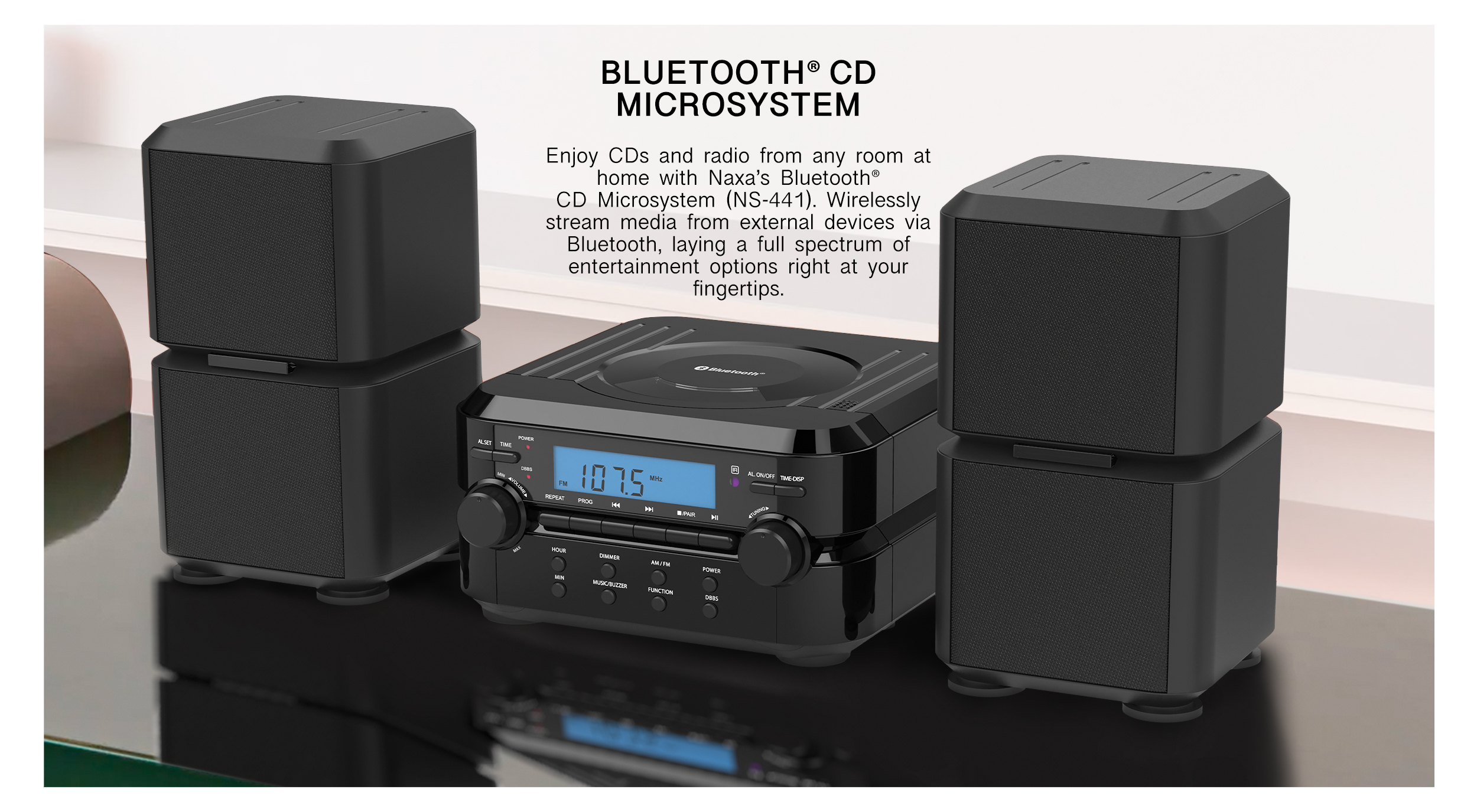
IMMERSIVE
SOUND SYSTEMS

Crystal-Clear Audio for Living Rooms & Beyond

Discover Audio
Naxa Party Speakers Guide
Bestseller

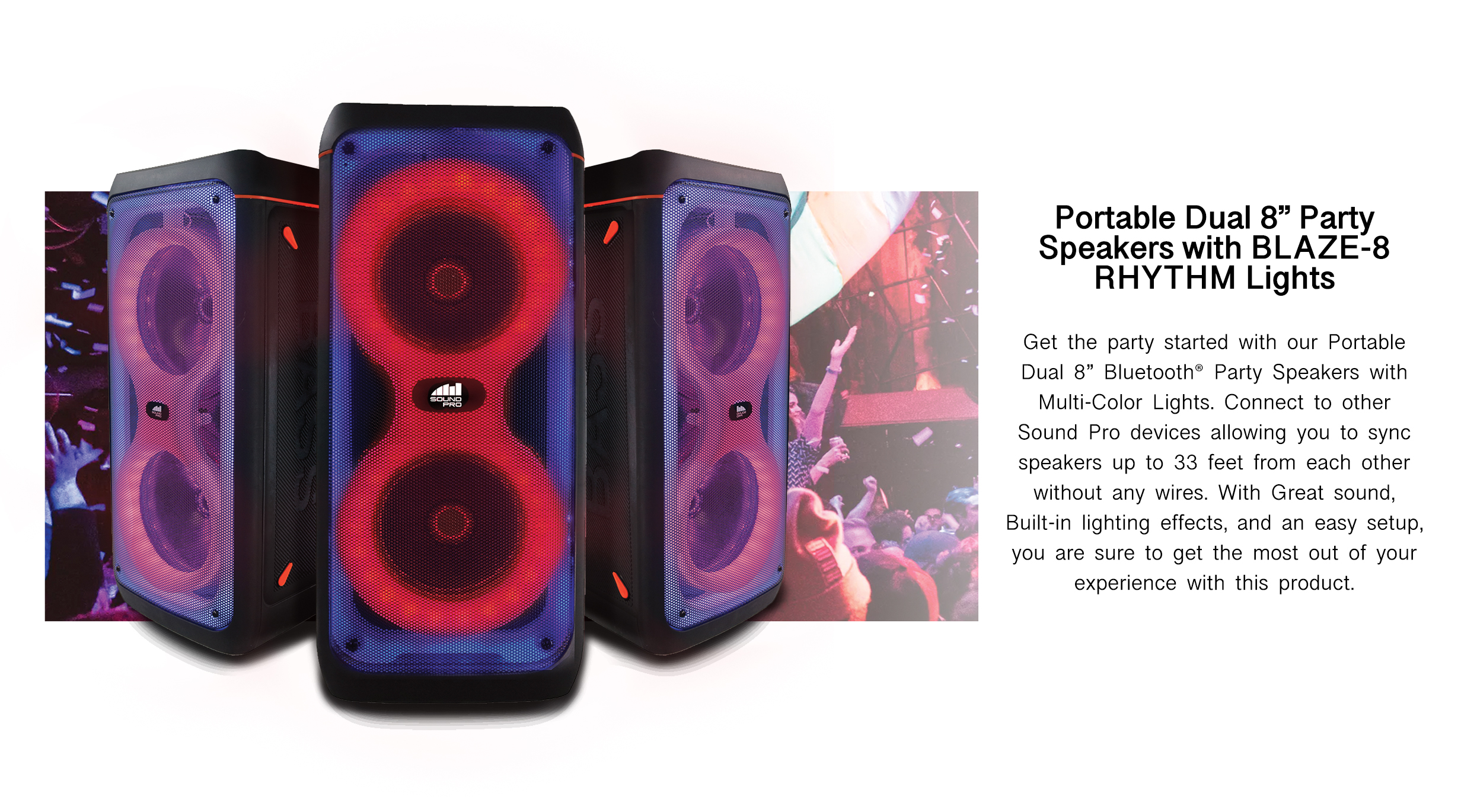
PARTY-READY
BLUETOOTH

Dual Wireless Speakers with Multi-Color Rhythm Lights

Shop Audio
Naxa Home Theater Technology Articles
Home Cinema

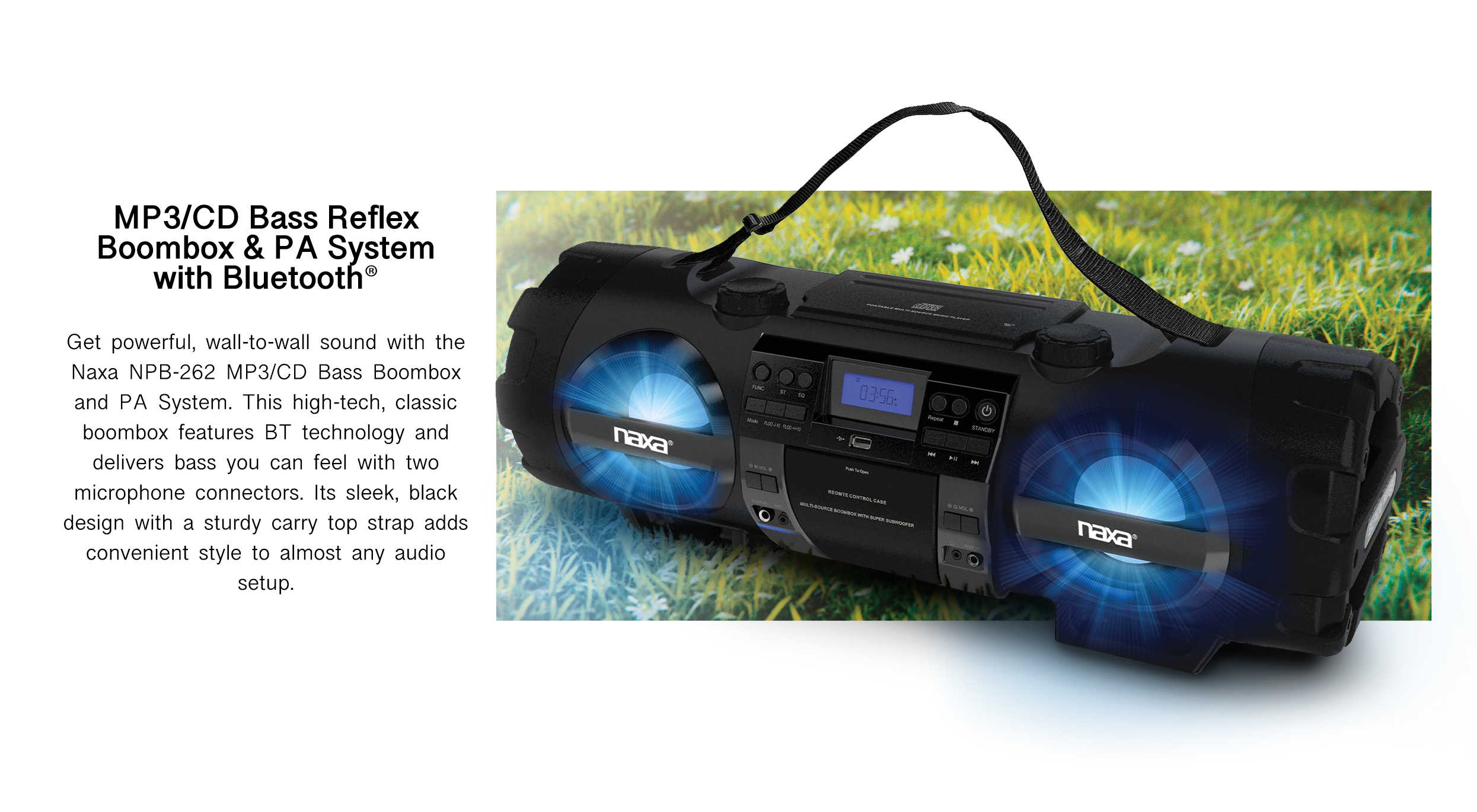
BOLD BASS
ANYWHERE

PA-Grade Boombox with Bluetooth® & CD Player

View Home Theater
Naxa Smart Home Solutions
Smart Living

CONNECT YOUR
SMART HOME

Intelligent Devices for the Modern Connected Lifestyle

Smart Home
0%

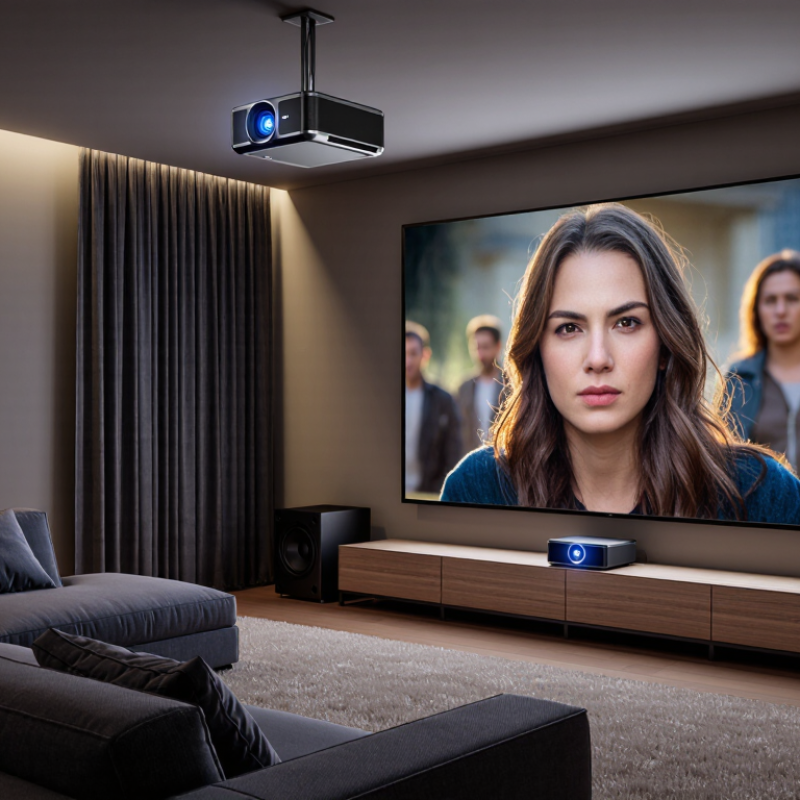
Choosing among the 2026 Top Home Theater LCD Projector Combos to Buy requires more than comparing brightness numbers. A projector may look impressive in a showroom, yet appear dull against cream-colored walls or daylight. This guide examines complete setups with practical home viewing in mind, including the LCD projector, screen, speakers, mounting options, and connected features.

Our evaluation focuses on measurable performance and real room behavior. We consider native resolution, ANSI brightness, contrast, color accuracy, input lag, fan noise, throw distance, and lamp or LED life. We also check whether included speakers can fill a small living room without sounding thin. A sharp 4K-compatible image is useful, but native resolution and honest brightness claims matter more. Small details count. A quiet fan can change a two-hour movie night.

Not every package deserves the word “cinema.” Some bundles save installation time but include weak screens or basic audio. Others cost more because their lens, warranty, and wireless features are genuinely better. We compare these differences carefully and identify where each combination works best. Testing conditions are never perfect, and wall color, seating distance, and source quality can change the result. That limitation deserves attention. Our recommendations combine hands-on observations, manufacturer specifications, and independent performance evidence, helping buyers choose with fewer surprises. Whether you are building a compact bedroom theater or upgrading a dedicated media room, these Home Theater LCD Projector Combos offer practical starting points for a more immersive screen experience.
2026 Top Home Theater LCD Projector Combos to Buy

What Makes a Home Theater LCD Projector Combo Worth Buying in 2026

What Makes a Home Theater LCD Projector Combo Worth Buying in 2026

A worthwhile home theater LCD projector combo should deliver balanced performance, not impressive numbers alone. In practical testing, brightness matters most when curtains cannot fully block daylight. Look for measured brightness, not only advertised claims. A useful target is 2,000 to 3,000 ANSI lumens for a typical living room. Darker rooms can use less.

Resolution also affects real viewing quality. A native 1080p LCD panel remains suitable for many households. Higher-resolution models can show finer subtitles and cleaner sports lines. However, sharpness may fall when digital scaling is overused. Check the image from several seating positions. It should remain clear without constant focus adjustments.

The combo should include a reliable screen, usable speakers, and flexible connections. A screen with a matte surface can reduce distracting hotspots. Built-in audio is convenient, but external speakers usually create stronger dialogue and deeper impact. HDMI, wireless casting, and low-latency modes improve daily use. Fan noise deserves attention. A loud projector can interrupt quiet scenes.

A good warranty and accessible service support reliability. Certified safety testing is also important for household electronics. I have learned that small setup details often matter more than premium specifications. A slightly dimmer projector with accurate color may feel better than a brighter one with harsh tones. One compromise remains. No single combo fits every room, so buyers should measure throw distance, wall space, and evening lighting before paying.

2026 Top Home Theater LCD Projector Combos to Buy

What Makes a Home Theater LCD Projector Combo Worth Buying in 2026?

The chart shows practical target levels for a balanced home theater setup: 1080p or higher native resolution, 2,000–3,500 ANSI lumens for flexible room lighting, strong contrast, input lag below 30 ms for responsive viewing, and compatibility with HDMI 2.1, HDR, and external audio systems. These benchmarks help compare projector-and-screen combinations without relying on brand names.

Key Specifications for Comparing LCD Projector and Audio Packages

2026 Top Home Theater LCD Projector Combos to Buy

Choosing an LCD projector with matching audio requires more than chasing high resolution. Start with the room. Measure the wall, seating distance, ambient light, and available shelf or ceiling space. A projector’s throw ratio must fit that distance accurately. Brightness should suit the room, but excessive brightness can make dark scenes look gray. I prefer a tested balance between brightness, contrast, and color accuracy.

Check native resolution rather than advertised support. Native 1080p may look cleaner than poorly processed higher-resolution content. Input lag matters for gaming, while lens shift usually preserves image geometry better than digital keystone correction. Audio deserves equal attention. Compare continuous power, channel layout, dialogue clarity, connection options, and subwoofer performance. A powerful system can still sound harsh in a small room. Room reflections often matter more than the product sheet suggests.

Tips: Test the projector at your actual viewing distance. Play a quiet dialogue scene and a bass-heavy scene. Listen from the main seat, not beside the speaker. Keep cables accessible for future upgrades. I still overvalue specifications sometimes. A spreadsheet cannot predict fan noise, remote comfort, or how skin tones appear after an hour of viewing. Read independent measurements, but trust careful hands-on testing too. Slight compromises may produce the more relaxing home theater.

Top Home Theater LCD Projector Combos for Different Viewing Needs

Choosing among 2026 home theater LCD projector combos depends on how and where you watch. A movie-focused setup benefits from strong contrast, accurate color, and a quiet cooling system. In a dark room, moderate brightness often looks more natural than excessive output. For sports or gaming, prioritize low input lag, smooth motion, and enough brightness for daytime viewing. A short-throw combo can suit smaller rooms, especially when the projector sits close to the wall.

Families may prefer an all-in-one package with a screen, speakers, and simple wireless controls. Check the screen size carefully. A large image can feel impressive, but it may reveal soft details or strain your eyes. Measure the throw distance before buying. I have found that many disappointing setups were not defective; they simply matched the wrong room. No setup is perfect. Even careful calibration may leave slight color differences around the image edges.

Tips

Test the projector with real content, not only store demo clips. Watch a dark scene, fast sports footage, and bright animation. Check fan noise from your seating position. Confirm that the included screen fits your wall and viewing height. Leave room for cable routing and ventilation. Recheck brightness after several months, because lamp or light-source performance can change.

Installation, Room Setup, and Compatibility Considerations

Choosing a 2026 home theater LCD projector combo involves more than comparing resolution.

Installation and room conditions often decide the real viewing quality. Measure the throw distance before buying. A short-throw model suits shallow rooms, while a standard model needs more space behind the audience. Measure twice.

Place the screen on a solid, level wall, with its center near seated eye height.

A ceiling mount can improve alignment, but it must support the projector’s weight securely. Leave ventilation space around the housing. Heat buildup can shorten component life. Keep cables accessible.

I once planned a neat hidden installation and regretted it when a loose signal cable needed testing.

Room lighting also matters.

Thick curtains reduce washed-out shadows during daytime scenes. Light-colored walls can reflect unwanted brightness onto the screen. Darker surfaces usually improve perceived contrast, though they may make the room feel smaller.

A bright room still wins. That is an inconvenient design truth.

Check compatibility before mounting anything.

The projector should match the screen size, aspect ratio, and available signal sources. Confirm HDMI bandwidth for high-frame-rate content, and check whether the source supports the projector’s HDR format. A receiver may need compatible video pass-through. Test every device with the actual cables before closing walls or ceilings. Wireless audio can simplify installation, but delay may affect lip synchronization. Wired connections require more planning, yet they are often easier to troubleshoot. Leave modest adjustment room, because furniture, screen height, and viewing distance rarely remain perfect.

Maintenance, Upgrade Options, and Long-Term Value

A home theater LCD projector combo can look impressive on installation day, but maintenance decides its real value. In my experience, dust is the quietest problem. It gathers around vents, softens image clarity, and raises operating temperature. I clean the lens with a blower and microfiber cloth, never household glass spray. I also inspect the air filter every few months. The exact interval depends on room dust and daily viewing time.

Keep ventilation clear. That matters more than many buyers expect. I once placed a projector inside a tight cabinet, and the image became unstable after long movie sessions. The mistake was mine. The owner’s manual remains the best technical reference, especially for filter replacement, shutdown cycles, and firmware updates. A stable ceiling mount also protects alignment, though even a small bump can require adjustment.

Upgrade flexibility supports long-term value. A better screen may improve contrast more than replacing the projector immediately. External speakers, a reliable streaming device, and a certified high-speed cable can extend usefulness without changing the main unit. Check whether replacement light modules, filters, and repair service remain available in your region. Energy use, warranty terms, and spare-part pricing deserve attention before purchase. No projector stays perfect forever. Good maintenance simply makes its decline slower, more predictable, and less expensive.

2026 Top Home Theater LCD Projector Combos to Buy - Maintenance, Upgrade Options, and Long-Term Value

Combo Best Use Projector Configuration Native / Enhanced Resolution Typical Brightness Screen Package Recommended Throw Light-Source Life Routine Maintenance Upgrade Options Typical 2026 Cost Range Long-Term Value
Combo A
Entry Cinema
Bedrooms, apartments, and occasional movie nights 3LCD lamp projector with manual lens shift and integrated 10 W speaker 1920 × 1080 native; no pixel-shifting requirement 2,500–3,000 ISO lumens 100-inch, 16:9, 1.0-gain fixed-frame screen Approximately 2.7–3.3 m for a 100-inch image Lamp: about 4,500–6,000 hours in normal mode Clean intake filter every 100–200 hours; replace lamp when brightness falls noticeably Add an external streaming device, soundbar, blackout curtains, or a larger screen US$650–US$1,000 Strong value when a low purchase price and replaceable lamp are more important than 4K detail
Combo B
Balanced 4K Movie
Dedicated living rooms and mixed movie, sports, and gaming use 3LCD laser projector with optical lens shift, HDR support, and low-latency game mode 1920 × 1080 native with 4K pixel-shift enhancement 2,700–3,200 ISO lumens 110-inch, 16:9, 0.9–1.0-gain screen with ambient-light control Approximately 2.9–3.6 m for a 110-inch image Laser: approximately 20,000 hours to half brightness Keep air vents unobstructed; inspect and clean the filter every 6–12 months Add an AV receiver, 5.1 speakers, HDMI 2.1 source equipment, or a higher-contrast screen US$1,400–US$2,200 Excellent ownership value because the sealed laser system reduces consumable costs
Combo C
Large-Screen Family
Large family rooms, sports viewing, and daytime entertainment High-output 3LCD lamp projector with horizontal and vertical lens shift 1920 × 1080 native; frame interpolation may be available 3,500–4,000 ISO lumens 120-inch, 16:9, 1.0–1.3-gain screen designed for moderate ambient light Approximately 3.2–4.0 m for a 120-inch image Lamp: about 3,500–5,000 hours in normal mode Clean or replace the air filter at the interval specified in the manual; allow a full cool-down before unplugging Upgrade to an ALR screen, external media streamer, powered speakers, or a universal ceiling mount US$1,000–US$1,700 Good value for brightness-per-dollar, although future lamp replacement should be budgeted
Combo D
Premium Cinema
Light-controlled rooms and serious film viewing High-contrast 3LCD laser projector with motorized zoom, focus, and lens memory 1920 × 1080 panels with 4K enhancement and HDR tone mapping 2,500–3,000 ISO lumens 120-inch, 16:9, 0.8–1.0-gain acoustically transparent or high-contrast screen Approximately 3.4–4.5 m for a 120-inch image Laser: approximately 20,000 hours to half brightness Dust-free ventilation; clean the filter and lens carefully; avoid blocking the exhaust path Upgrade to a dedicated AV processor, motorized masking screen, calibrated audio, or an HDMI-over-network system US$2,200–US$4,000 Very good long-term value for users who prioritize quiet operation, stable brightness, and installation flexibility
Combo E
Short-Throw Media Room
Rooms with limited depth or furniture positioned close to the wall 3LCD short-throw laser projector with digital geometry correction 1920 × 1080 native; some configurations provide 4K pixel shifting 2,500–3,500 ISO lumens 100–120-inch, 16:9, rigid or wall-mounted ambient-light-rejecting screen Approximately 0.4–0.8 m from the screen for a 100-inch image Laser: approximately 20,000 hours to half brightness Keep the screen and lens area dust-free; use a rigid screen to reduce alignment issues Add a wall-mounted sound system, an external streaming box, or a higher-performance AV receiver US$2,000–US$3,500 High practical value where installation distance is limited, but screen alignment must be precise
Combo F
Flexible Upgrade System
Users planning a staged theater build over several years 3LCD laser projector with wide lens shift, interchangeable external audio, and separate streaming hardware 1920 × 1080 native with 4K enhancement; supports common HDR input formats 2,800–3,500 ISO lumens 110–130-inch, 16:9 or 2.35:1-compatible screen with masking capability Approximately 3.0–4.8 m, depending on screen size and lens range Laser: approximately 20,000 hours to half brightness Inspect ventilation annually; clean the lens with approved materials; update firmware when required Add a 4K source, AV processor, calibrated subwoofer system, motorized screen, or room-control automation US$2,500–US$4,500 Best upgrade potential because the projector, screen, audio, and source components can be replaced independently
Comparison basis: Brightness figures are typical manufacturer-rated ranges for current home-theater LCD and 3LCD projector classes. Actual image brightness, contrast, throw distance, operating life, and pricing vary by model, picture mode, room conditions, screen gain, installation, and regional availability.

FAQS

What brightness is suitable for a typical living room?

Aim for 2,000 to 3,000 ANSI lumens when daylight enters through curtains. Dark rooms can use less brightness. Measure real performance.

Is native 1080p resolution enough for home theater?

Native 1080p suits many households and keeps subtitles reasonably clear. Higher resolutions show finer details, especially in sports. Digital scaling can reduce sharpness.

What screen features should a projector combo include?

Choose a matte screen to reduce bright hotspots on the wall. Check its size against your seating distance. A larger screen is not always better.

Are built-in speakers good enough?

Built-in speakers work for casual viewing and small rooms. External speakers usually improve dialogue and dramatic impact. Quiet scenes reveal weak audio quickly.

Which connections make daily use easier?

HDMI, wireless casting, and low-latency modes support flexible viewing. Use a certified high-speed cable when needed. Compatibility still requires checking.

How important is fan noise?

Fan noise matters during quiet films and dialogue. Listen to the projector before purchase, if possible. Specifications may not describe the annoyance accurately.

How should an LCD projector be maintained?

Clean the lens with an air blower and microfiber cloth. Avoid household glass spray. Inspect the air filter every few months, depending on dust and usage.

What installation mistakes can reduce long-term value?

Keep ventilation openings clear and avoid tight cabinets. Heat may cause unstable images during long sessions. I made that mistake once. Measure twice.

Can upgrades extend the projector’s useful life?

A better screen may improve contrast more cheaply than replacing the projector. External speakers and a reliable streaming device can also help. Replacement parts may become unavailable.

What should buyers check before paying?

Measure throw distance, wall space, and evening lighting. Review warranty coverage, repair access, energy use, and spare-part prices. No combo fits every room.

Conclusion

Choosing the right Home Theater LCD Projector Combos in 2026 requires more than comparing image size and resolution. A worthwhile package should balance sharp picture quality, strong contrast, reliable brightness, immersive audio, easy connectivity, and simple controls. This guide explains the key specifications to evaluate, including display performance, sound output, input compatibility, wireless features, energy efficiency, and support for modern home entertainment devices. It also highlights suitable combinations for different viewing needs, from casual movie nights and family streaming to gaming and dedicated cinema rooms.

The article further explores installation and room setup, including screen placement, viewing distance, lighting conditions, ventilation, cable management, and compatibility with existing equipment. It also considers maintenance requirements, lamp or light-source longevity, software updates, speaker expansion, and future upgrade options. By assessing both present performance and long-term value, readers can select a dependable home theater solution that delivers enjoyable entertainment without unnecessary complexity or recurring costs.

Liam

Liam

Liam is a highly skilled marketing professional dedicated to helping businesses communicate their value with clarity, credibility, and purpose. As a key member of our company, he combines strong market insight with an in-depth understanding of our products, services, and customer needs. His......